Quota overview
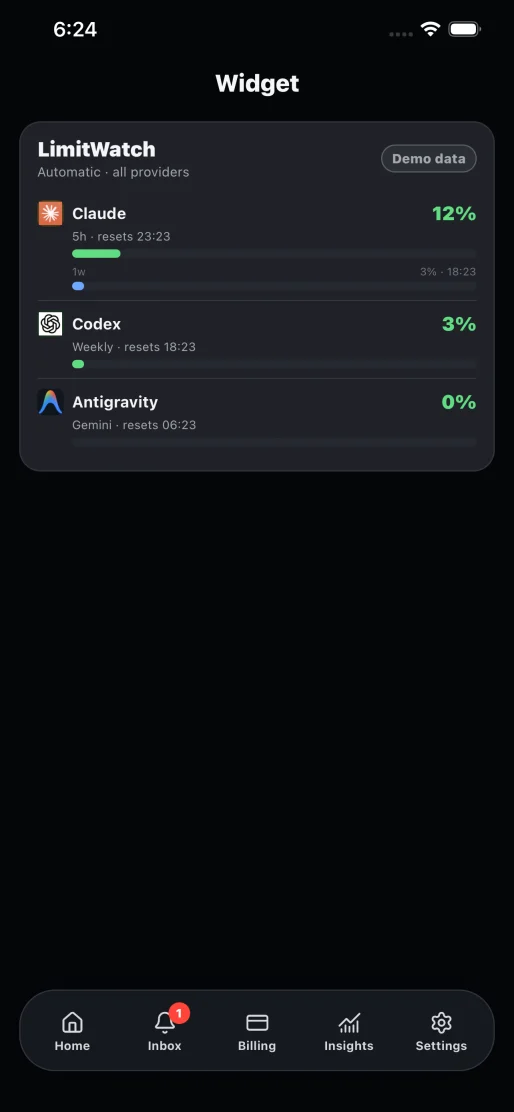
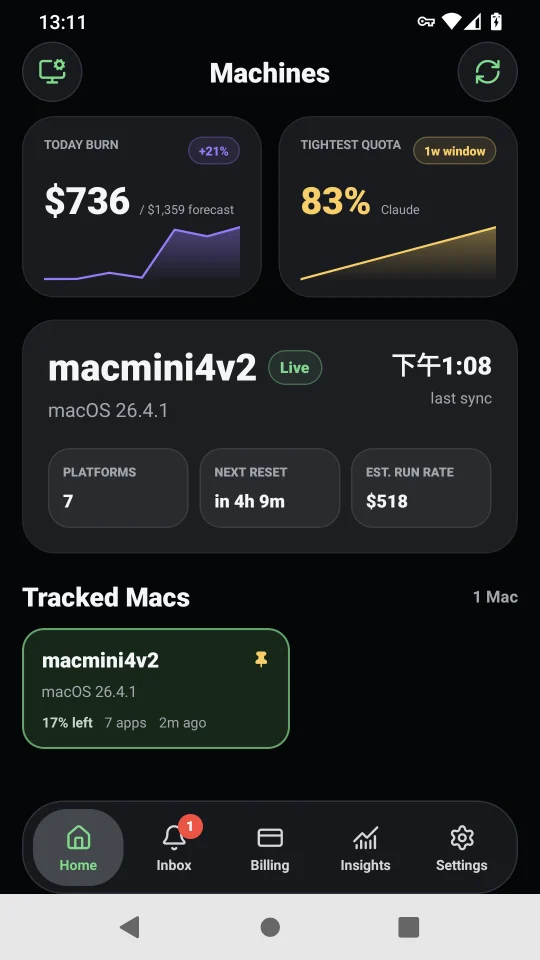
Put Claude, Codex, Gemini, Antigravity, and other quota windows and reset times on one screen.
AI quota dashboard · iPhone, Android, iPad, and Watch
Your Mac aggregates the facts; Lite keeps them close. Apple uses iCloud automatically for the same account. Cross-account Apple devices and Android can scan the Mac Agent QR on your trusted LAN.
Apple StoreKit and Android Google Play Billing purchase, restore, and entitlement gates are integrated in source. Store products, test transactions, review, and public releases are still being prepared.
One lightweight client for the facts you check every day
Every view is designed around quick decisions: what remains, when it resets, whether spend is changing, and which alert needs attention.
Put Claude, Codex, Gemini, Antigravity, and other quota windows and reset times on one screen.
Review subscriptions, projected monthly cost, and usage trends without treating one-time purchases as recurring spend.
See the essential numbers from Home Screen widgets, iPhone widgets, and Apple Watch without opening the app.
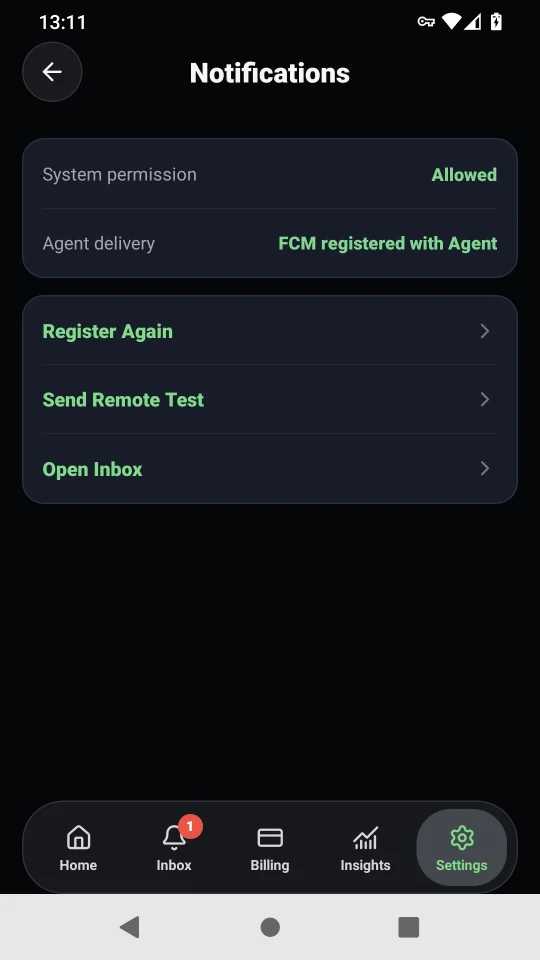
Receive quota alerts from the Agent you selected. Android uses FCM; Apple platforms use APNs.
Lite receives a purpose-built quota projection, not raw provider credentials, full transcripts, project paths, or terminal content.
The Mac Agent only uses the sync route you choose. Apple cross-account and Android LAN pairing do not require a shared iCloud account.
A platform-native sync model
Devices on the same Apple Account use iCloud KVS automatically. A device on a different Apple Account can scan the Mac QR for a trusted-LAN connection.
Reads local LimitWatch data, produces the minimized snapshot, and registers alert delivery when you enable it.
Scan the pairing QR shown by the Mac Agent, then test and save. It contains only a LAN endpoint, local access token, and fingerprint.
Simple pricing
Both plans unlock the complete Lite experience. Apple StoreKit and Google Play Billing purchase, restore, and entitlement gates are implemented; store setup and public releases remain pending.
Yearly
$2.99per year
Auto-renews until cancelled in your Apple Account or Google Account subscription settings.
Lifetime
$4.99one-time
A one-time purchase for lifetime Lite access in the corresponding native-store app.
US base pricing shown. Apple availability mirrors LimitWatch and excludes mainland China; Google Play is intended for all supported regions. Local store prices control at purchase time.
iCloud is an Apple-native sync service. Android pairs with the Mac Agent over your trusted LAN, which respects the platform boundary.
Only a version, private-LAN snapshot endpoint, local access token, and token fingerprint. It contains no upstream account credential, quota snapshot, FCM registration, or profile data.
No. Camera access is used only for on-device QR recognition. Lite does not save or upload photos or video.
QR pairing accepts HTTP /snapshot only on loopback, RFC1918, or CGNAT private IPv4 and requires a bearer token. HTTP itself is not encrypted, so use it only on a network you trust.
No. LimitWatch Lite has no advertising and does not track you across apps or websites. Optional diagnostics are used only for reliability and troubleshooting.
Apple StoreKit and Android Google Play Billing purchase, restore, and entitlement gates are integrated in source. Product setup, test transactions, and store review remain incomplete, so purchasing is not public yet.